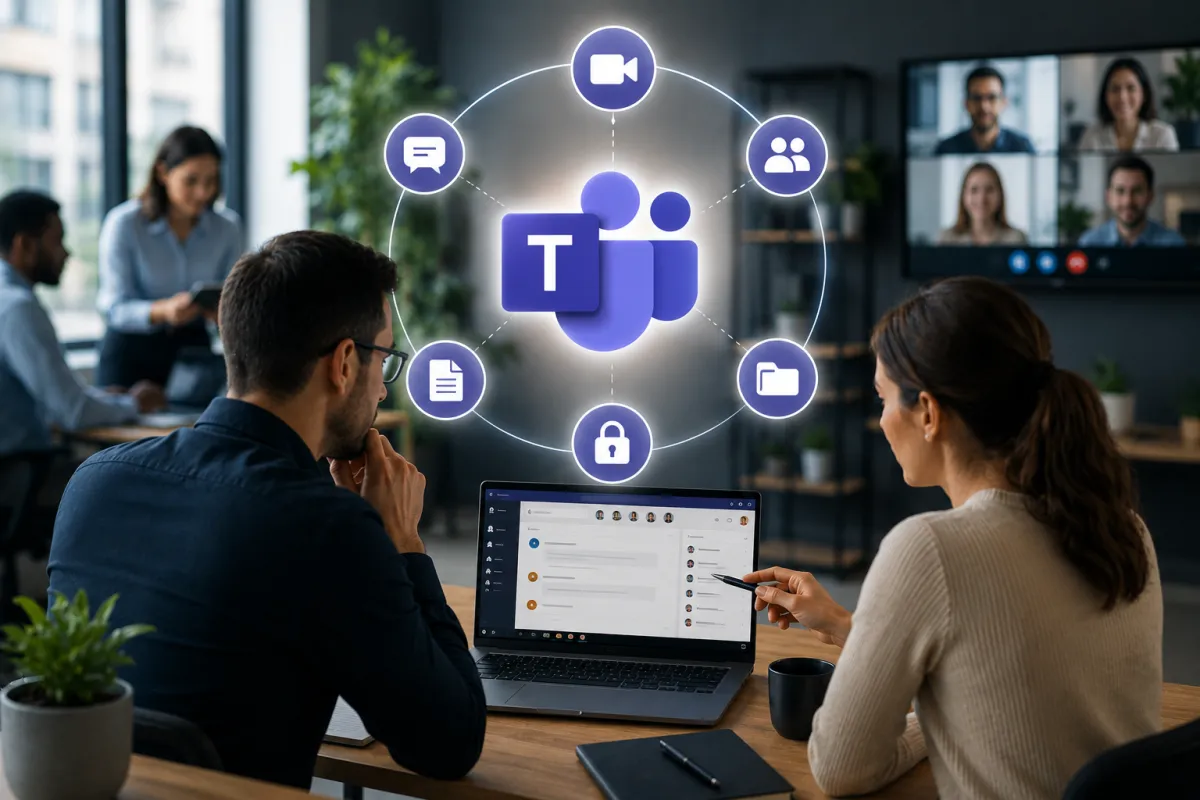
The Biggest Microsoft Teams Mistakes Businesses Make
When Microsoft Teams launched, many businesses viewed it as little more than another messaging platform.
Today, it’s something entirely different.
For organizations across Tampa Bay and around the world, Microsoft Teams has become the digital workplace. Employees use it to chat with colleagues, host meetings, share files, collaborate on projects, communicate with customers, and access business applications—all from a single platform. For many businesses, it’s now one of the most frequently used applications in the entire Microsoft 365 ecosystem.
That level of adoption has delivered enormous productivity benefits.
Teams has made hybrid work easier, simplified communication across departments, and reduced reliance on long email chains. Employees can collaborate in real time whether they’re sitting in the same office or working from opposite sides of the country.
However, as Teams has evolved, many businesses have unknowingly created challenges that extend far beyond communication.
Without proper planning, Microsoft Teams can quickly become disorganized, difficult to manage, and surprisingly risky from both a cybersecurity and compliance perspective. Files become scattered across dozens of Teams. Sensitive information is shared too broadly. Former employees retain access longer than they should. Hundreds of inactive Teams accumulate over time, making it increasingly difficult for employees to find the information they actually need.
These problems don’t happen because Microsoft Teams is poorly designed.
They happen because organizations often deploy Teams without establishing clear governance around how it should be used.
For many businesses, Microsoft Teams grows organically.
An employee creates a Team for a project.
Another department creates three more.
Marketing launches separate Teams for every campaign.
Sales creates new channels for different prospects.
HR builds its own workspace.
Within a few years, the organization has hundreds of Teams, thousands of shared files, and very little visibility into who has access to what.
The platform continues working.
But it becomes increasingly difficult to manage.
When Collaboration Grows Faster Than Governance
Microsoft Teams is intentionally designed to make collaboration easy.
Creating a new Team takes only a few moments. Inviting colleagues is simple. Sharing files happens instantly. External guests can be added with just a few clicks. These capabilities are exactly what make Teams such an effective collaboration platform.
They’re also what make governance so important.
Without clear standards, every department begins using Teams differently.
Some create a new Team for every project.
Others create channels instead.
Some store documents directly inside Teams.
Others continue relying on SharePoint, OneDrive, or email attachments.
Naming conventions vary widely.
Permissions become inconsistent.
Employees gradually lose confidence in where information should actually be stored.
As the organization grows, finding the latest version of an important document becomes increasingly difficult.
Different departments unknowingly duplicate files across multiple Teams.
Project conversations become fragmented because employees aren’t sure which workspace they’re supposed to use.
Rather than improving collaboration, the platform begins creating confusion.
This isn’t a Microsoft Teams problem.
It’s an organizational governance problem.
Businesses that establish simple standards for Team creation, document storage, naming conventions, and ownership from the beginning rarely experience this level of complexity.
Those that don’t often spend years trying to reorganize an environment that has become increasingly difficult to manage.
Too Many People Have Access to Too Much Information
One of the most overlooked Microsoft Teams risks has very little to do with technology.
It has everything to do with permissions.
Every Team contains conversations, shared files, meeting recordings, project documentation, and business information that may be valuable—or sensitive.
Over time, access naturally expands.
Employees join projects.
Contractors are invited.
Consultants receive temporary access.
Managers move between departments.
People change roles.
Very few organizations regularly review who still has access after those projects end.
This gradual expansion of permissions is often referred to as permission creep, and it’s one of the most common issues discovered during Microsoft 365 security assessments.
An employee who needed access to a project eighteen months ago may still be able to view confidential files today.
Former contractors may remain inside Teams long after their engagement has finished.
Guest accounts may never have been removed.
Sensitive HR or finance discussions may be visible to more employees than leadership realizes.
From a cybersecurity perspective, excessive access dramatically increases organizational risk.
If a user account becomes compromised, attackers inherit every permission associated with that account.
The broader the access, the greater the potential impact.
Regular permission reviews significantly reduce this risk while helping businesses maintain stronger compliance and better control over sensitive information.
External Collaboration Can Become a Hidden Security Risk
One of Microsoft Teams’ greatest strengths is how easily businesses can collaborate with external organizations.
Clients.
Vendors.
Consultants.
Partners.
Suppliers.
Everyone can be invited into a Team within minutes.
This flexibility has transformed how businesses work together.
Unfortunately, many organizations never review these external relationships after they’re created.
A consultant invited to support a three-month project may still have access two years later.
A vendor whose contract ended last year may remain inside multiple Teams.
Temporary guest accounts accumulate over time without anyone remembering they exist.
The challenge isn’t that external collaboration is unsafe.
The challenge is that businesses often forget to manage it.
Guest access should be reviewed regularly.
Access should align with current business relationships.
When projects end, permissions should end as well.
Without these simple governance practices, organizations gradually lose visibility into who outside the business can still access internal conversations, documents, and shared resources.
Poor File Management Creates Problems Most Businesses Never See
One of the biggest advantages of Microsoft Teams is that it brings conversations, meetings, and documents together in one place. Employees no longer have to search through email attachments or wonder whether they’re working on the latest version of a file. Instead, documents can be shared, edited, and discussed collaboratively within the same workspace.
However, this convenience also introduces one of the most common problems businesses face.
Over time, files begin accumulating everywhere.
Employees upload the same document into multiple Teams. Different versions of spreadsheets are saved across various channels. Project folders continue growing long after work has been completed. Some users download documents to their desktops before uploading updated versions back into Teams, while others continue emailing attachments despite the files already existing within Microsoft 365.
The result is an environment where nobody is completely certain which document is the most current.
This confusion isn’t simply frustrating—it affects productivity every day.
Employees waste valuable time searching for information, comparing file versions, and asking colleagues where important documents are stored. Projects slow down because teams are working from different versions of the same information. Mistakes become more likely because outdated documents continue circulating throughout the organization.
As businesses grow, this problem becomes even more significant.
New employees have no idea where files should be stored. Departments develop their own approaches to document management. Some use Teams, others rely on SharePoint, and some continue storing files locally. Without consistent guidance, collaboration gradually becomes less efficient instead of more.
Establishing clear document management standards early helps prevent these issues from developing. Employees should understand where different types of files belong, how documents should be named, when Teams should be used instead of email attachments, and who is responsible for maintaining shared information.
Good governance isn’t about restricting collaboration.
It’s about making collaboration easier.
Microsoft Copilot Makes Teams Governance Even More Important
Artificial intelligence is changing how businesses use Microsoft Teams.
With Microsoft Copilot becoming increasingly integrated into Microsoft 365, employees can now summarize meetings, search conversations, locate documents, generate reports, and retrieve information from across the organization’s digital workspace in seconds.
These capabilities offer tremendous productivity benefits.
However, they also highlight why proper governance has never been more important.
Artificial intelligence works with the information employees already have permission to access.
If permissions are overly broad, Copilot may surface documents, conversations, or files that users technically have access to but no longer need for their current responsibilities. The AI isn’t creating a new security issue—it is exposing an existing one that has gone unnoticed.
The same applies to document organization.
If files are poorly named, duplicated across multiple Teams, or stored in inconsistent locations, AI struggles to provide meaningful results. Employees spend less time searching manually, but they may still receive outdated or irrelevant information because the underlying environment lacks structure.
Businesses planning to adopt Microsoft Copilot should view Teams governance as a prerequisite rather than an afterthought.
Cleaning up inactive Teams, reviewing permissions, organizing shared files, removing obsolete content, and establishing consistent naming standards all improve the quality of AI-generated results while strengthening overall security.
Organizations that invest in governance today will be far better positioned to benefit from Microsoft’s rapidly expanding AI capabilities tomorrow.
Simple Best Practices That Keep Microsoft Teams Organized
Fortunately, avoiding these common challenges doesn’t require rebuilding an organization’s entire Microsoft 365 environment.
Small, consistent improvements often produce the greatest long-term results.
Businesses should establish clear guidelines around when new Teams should be created and who has the authority to create them. Instead of allowing duplicate workspaces for similar projects, organizations can encourage departments to reuse existing Teams whenever appropriate.
Ownership should also be clearly defined.
Every Team should have responsible owners who periodically review membership, remove inactive users, archive completed projects, and ensure information remains organized. Without clear ownership, abandoned Teams gradually accumulate throughout the organization, creating unnecessary clutter and increasing administrative overhead.
Regular permission reviews are equally important.
Guest users, contractors, former employees, and temporary collaborators should not retain indefinite access to business information simply because nobody remembered to remove them. Periodic reviews help reduce cybersecurity risk while ensuring employees only have access to information relevant to their current responsibilities.
Businesses should also develop simple document management standards.
Employees should understand where files belong, how they should be named, and when Teams should be used instead of email attachments or personal cloud storage. These small operational habits significantly improve collaboration while reducing confusion as the business continues growing.
Finally, governance should be treated as an ongoing process rather than a one-time cleanup project.
Organizations evolve continuously. Employees join and leave, departments change, projects begin and end, and new collaboration requirements emerge. Regular reviews ensure Microsoft Teams continues supporting business growth instead of gradually becoming another system that employees struggle to navigate.
The Bottom Line
Microsoft Teams has transformed the modern workplace by making communication and collaboration faster, more flexible, and more accessible than ever before. For many businesses, it has become the central hub where conversations happen, documents are shared, meetings are held, and projects move forward.
But successful collaboration requires more than simply deploying the platform.
Without thoughtful governance, clear ownership, consistent document management, and regular permission reviews, Teams can become increasingly difficult to manage as organizations grow. Sensitive information becomes harder to protect, employees struggle to find the resources they need, and collaboration gradually becomes less efficient.
The businesses that get the most value from Microsoft Teams aren’t necessarily using more features than everyone else.
They’re using the platform more intentionally.
By treating Teams as a business-critical system rather than simply another communication tool, organizations improve productivity, strengthen cybersecurity, support compliance, and prepare their Microsoft 365 environment for the next generation of AI-powered workplace technologies.
Why Tampa Bay Businesses Choose Technology Style
Technology Style helps businesses throughout Tampa, Clearwater, St. Petersburg, and Sarasota get more value from Microsoft 365 by improving collaboration, strengthening security, and implementing practical governance strategies. From Microsoft Teams management and Microsoft 365 security to managed IT services, cybersecurity, cloud solutions, and strategic technology consulting, we help organizations build technology environments that remain organized, secure, and ready for future growth.
Whether you’re deploying Microsoft Teams for the first time or looking to improve an existing Microsoft 365 environment, our team provides the expertise needed to simplify collaboration without compromising security.
