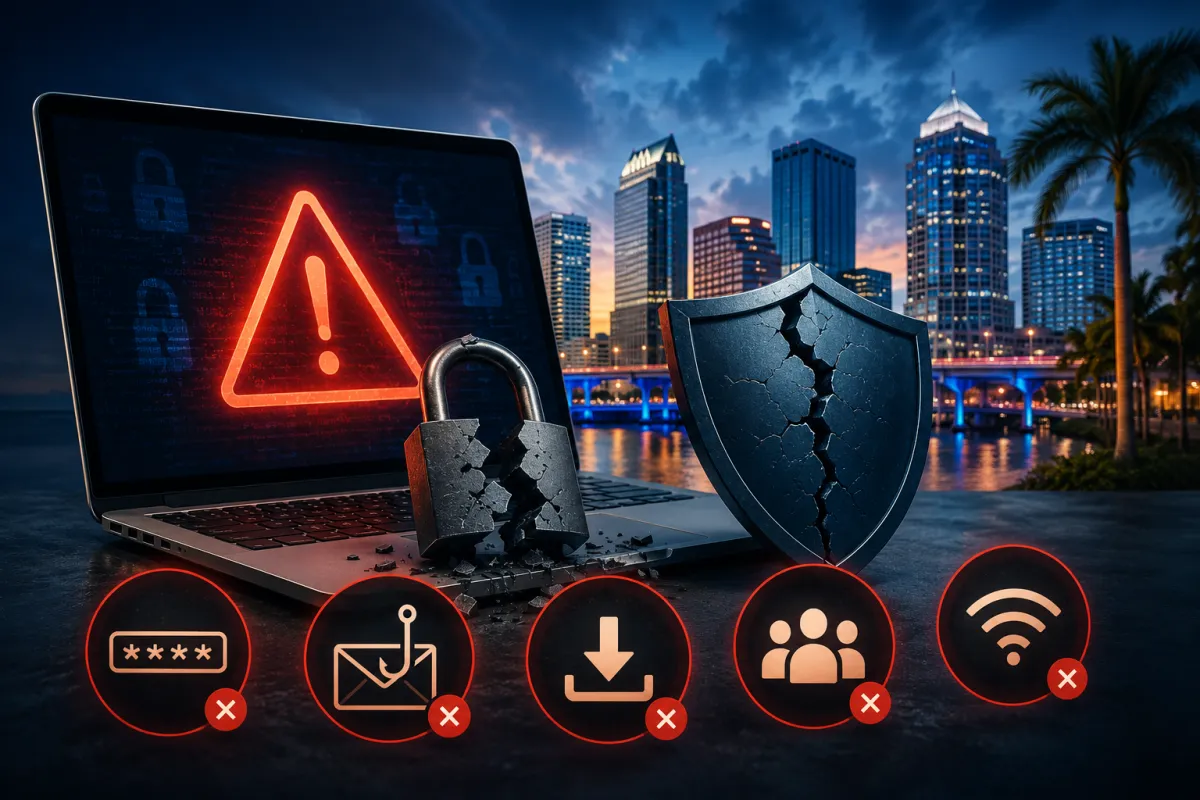
The 5 Biggest Cybersecurity Mistakes Tampa Bay Small Businesses Make (And How to Fix Them)
Cybercriminals are not just targeting banks and corporations anymore.
Small businesses across Tampa Bay are increasingly in their crosshairs — and most don’t realize it until it’s too late. The reason is simple: small businesses typically have less security infrastructure than large enterprises but carry just as much valuable data — customer records, payment information, employee files, and proprietary business information. To attackers, that’s a high-reward, low-risk target.
The good news is that the vast majority of successful cyberattacks exploit entirely preventable mistakes. Here are the five most common ones we see when working with Tampa Bay businesses — and exactly what you can do to fix each one.
MISTAKE #1 — REUSING PASSWORDS ACROSS BUSINESS ACCOUNTS
Why it matters
When employees use the same password for multiple accounts — or use simple, guessable ones — a single breach can cascade into a full company compromise. Attackers use a technique called credential stuffing, taking leaked username-password combinations from one breach and automatically testing them against hundreds of other platforms. If your employee’s LinkedIn password is the same as their company email password, and LinkedIn gets breached, your business email is now exposed too.
The fix
Require unique, complex passwords for every business account and enforce this through a business password manager (such as Keeper, 1Password Business, or Bitwarden Teams). A password manager eliminates the excuse of “too many passwords to remember” by storing and auto-filling them securely. This single change significantly reduces your exposure to credential-based attacks.
MISTAKE #2 — NOT USING MULTI-FACTOR AUTHENTICATION (MFA) ON EMAIL
Why it matters
Email is the front door of your business — and the most targeted entry point for attackers. Without multi-factor authentication, a stolen password is all an attacker needs to access your inbox, impersonate you, intercept invoices, and compromise every connected service. Business email compromise (BEC) costs U.S. businesses billions annually. Most of those attacks succeed because MFA wasn’t turned on.
The fix
Enable MFA on every business email account immediately. If you’re using Microsoft 365 or Google Workspace, this is a built-in feature that takes under ten minutes to configure. Extend MFA to any platform that touches sensitive data: accounting software, cloud storage, CRM systems. If an attacker steals a password and MFA is active, they’re stopped at the door.
MISTAKE #3 — SKIPPING SOFTWARE UPDATES AND SECURITY PATCHES
Why it matters
“I’ll update it later” is one of the most expensive phrases in business IT. Software vendors release security patches specifically to close vulnerabilities that attackers know about and are actively exploiting. When you delay updates, you’re leaving a door open that the vendor already built a lock for. The 2017 WannaCry ransomware attack — which crippled businesses and hospitals globally — exploited a Windows vulnerability that Microsoft had already patched two months earlier. The businesses that got hit simply hadn’t applied the update.
The fix
Implement automatic updates for all operating systems and business software wherever possible. For systems that can’t update automatically, assign a specific owner and schedule for manual updates — and actually follow it. A managed IT provider can handle this for your entire environment, ensuring nothing falls through the cracks.
MISTAKE #4 — NO PHISHING AWARENESS TRAINING FOR EMPLOYEES
Why it matters
According to IBM’s Cost of a Data Breach report, phishing is consistently the most common initial attack vector responsible for the majority of breaches across businesses of all sizes. Phishing emails have become sophisticated: they mimic real vendors, fake payroll portals, and impersonate executives. Your strongest firewall cannot protect you from an employee who clicks a convincing fake invoice link. People are both the biggest vulnerability and the most powerful line of defense depending on whether they’ve been trained.
The fix
Run regular phishing simulations and brief security awareness training sessions for all staff — including part-time and remote employees. This doesn’t need to be a lengthy course. Even a 30-minute annual session, combined with occasional simulated phishing tests, measurably reduces click rates. Several platforms offer automated simulation tools at low cost. If you work with a managed IT provider, ask whether employee security training is included in your plan.
MISTAKE #5 — ASSUMING “WE’RE TOO SMALL TO BE A TARGET”
Why it matters
This is the most dangerous mistake on this list because it’s the mindset that allows all the other mistakes to persist. The reality is the opposite: small businesses are often specifically targeted because attackers know they’re less likely to have dedicated IT security. Automated attack tools don’t discriminate by company size. They scan the internet for vulnerabilities and exploit whatever they find. A five-person accounting firm in St. Petersburg carries just as much risk as a 500-person company if the security fundamentals aren’t in place.
The fix
Reframe how you think about cybersecurity: it’s not an IT luxury for large companies, it’s operational risk management for every business that holds data. Start by understanding where you actually stand — a cybersecurity assessment can identify your real exposure in under an hour. You may be doing better than you think in some areas, and have critical gaps in others. You won’t know until you look.
The bottom line
None of these mistakes require an enterprise budget or a dedicated IT team to fix. Passwords, MFA, updates, training, and a clear-eyed look at your risk posture are all accessible to businesses of any size.
What they do require is someone who owns it. For most small businesses, that means either designating an internal point person with the time and knowledge to follow through or partnering with a managed IT provider who handles it as part of ongoing service.
Technology Style has been helping Tampa Bay businesses get these fundamentals right since 2009. We’re not here to sell you complexity. We’re here to make sure the basics are locked down because that’s what actually stops most attacks.
Not sure where your business actually stands? We offer a free cybersecurity assessment for Tampa Bay businesses — no obligation, no sales pitch. Just an honest look at where you’re exposed and what it would take to close the gaps.
Book your free cybersecurity assessment → technologystyle.net
